 MathGate
The feed is behind a math problem now.
Pick the apps that eat your day. MathGate puts a math problem in front of them, and only a right answer opens the door.
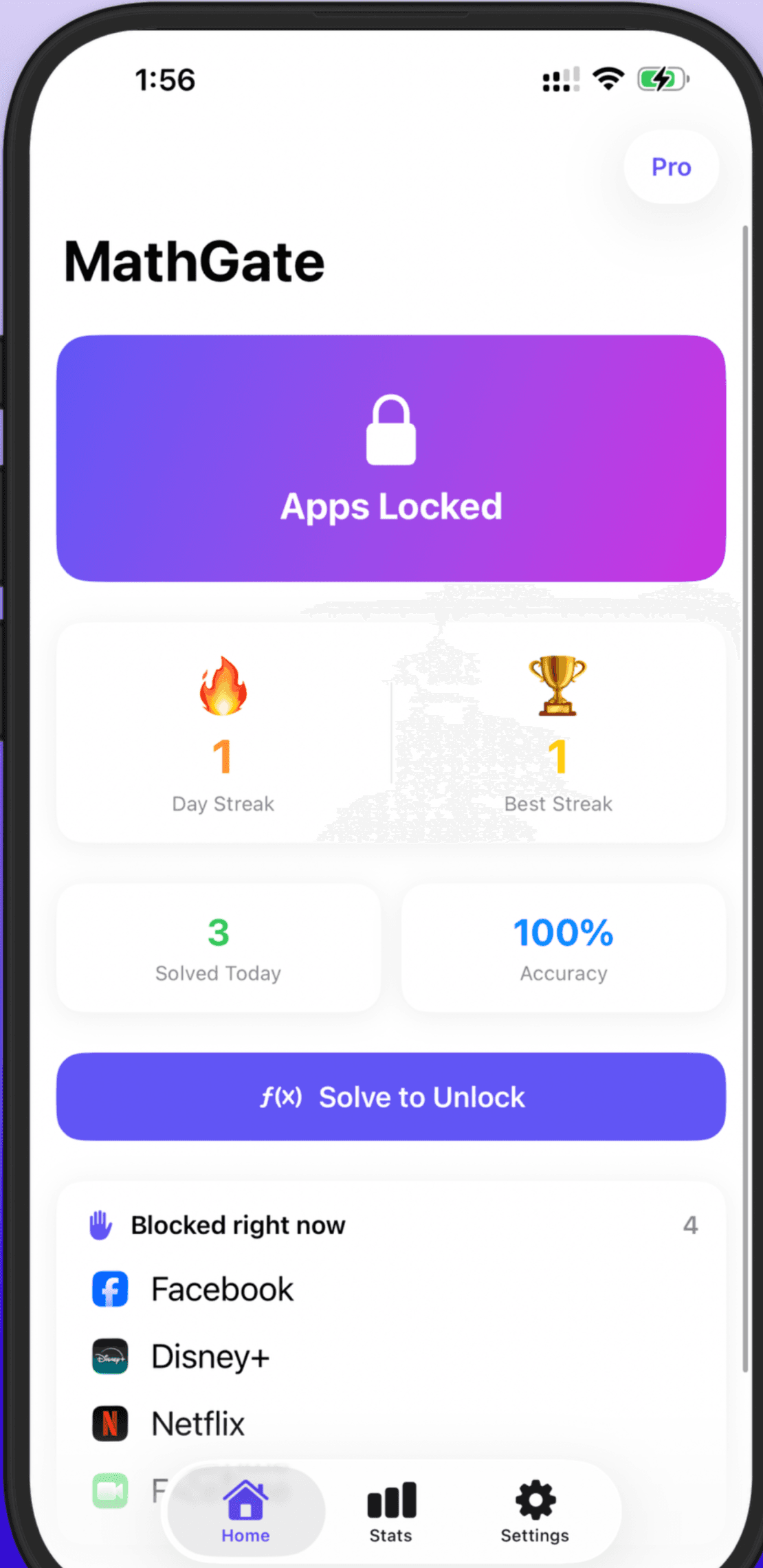
The real lock screen, straight from the App Store.
Try it. This is the real mechanic, the apps behind it are just for the demo.
Three tries. That's the whole deal.
No infinite guessing, no dead end either. Here is exactly what happens between tapping a locked app and getting in.
A problem appears
First try
Second try
Free forever, or pay once for control
MathGate Pro is a single $2.99 purchase. Not a subscription, no recurring charge, no trial that quietly starts billing.
Blocking apps just builds a wall you dismiss.
A blocker that only shows a warning screen doesn't ask anything of you, so you tap through it without a thought. MathGate makes you earn the unlock with a real problem you have to work out. The friction is the feature, not a bug to route around.
Solve it and the door opens. Skip it and that counts too.
Pick the apps that eat your day and MathGate stands a math problem in front of each one. Solve it and the app opens for as long as you chose. Close the gate and walk away instead, and MathGate counts that as a win, right alongside every problem you get right.
Inside the gate
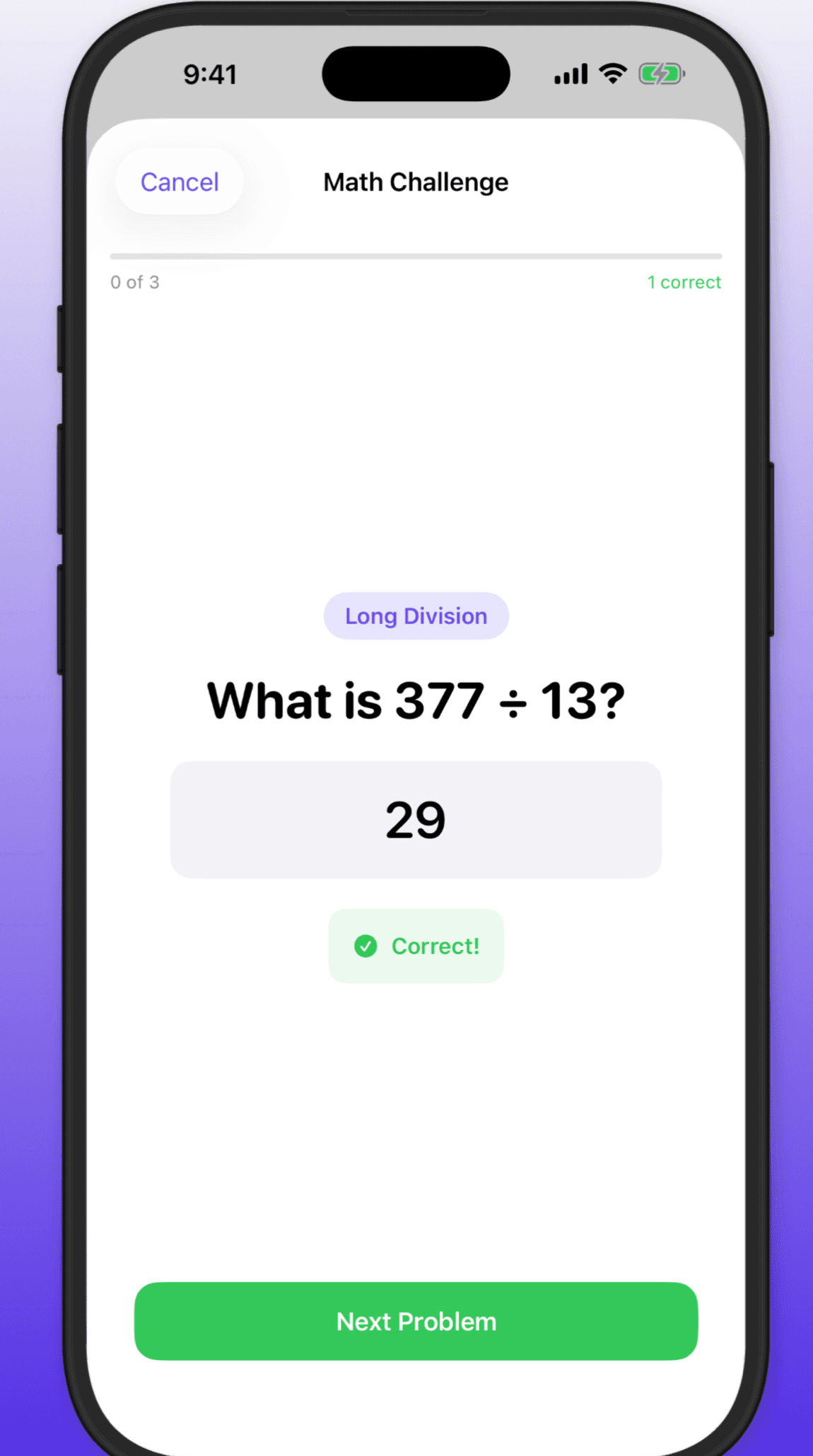
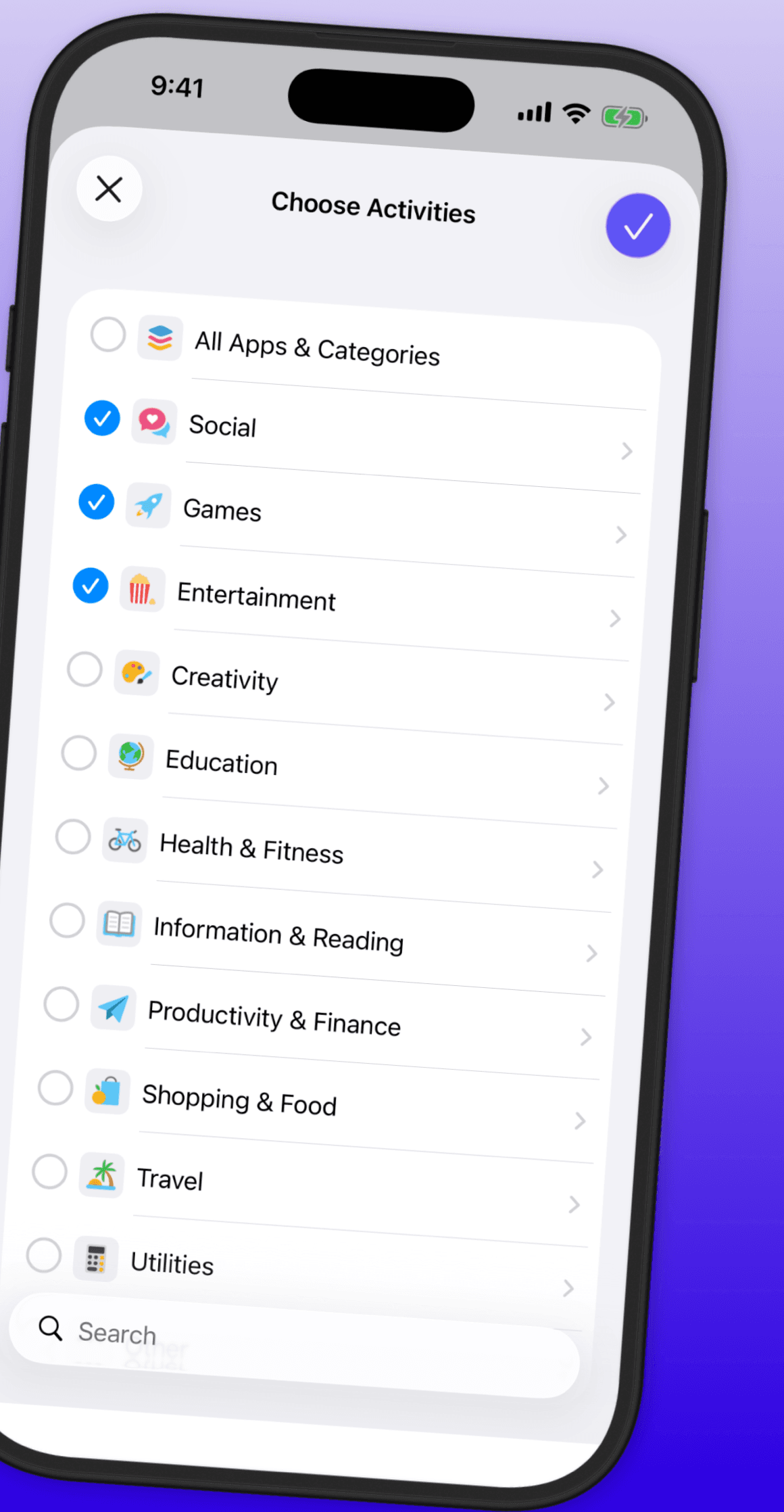
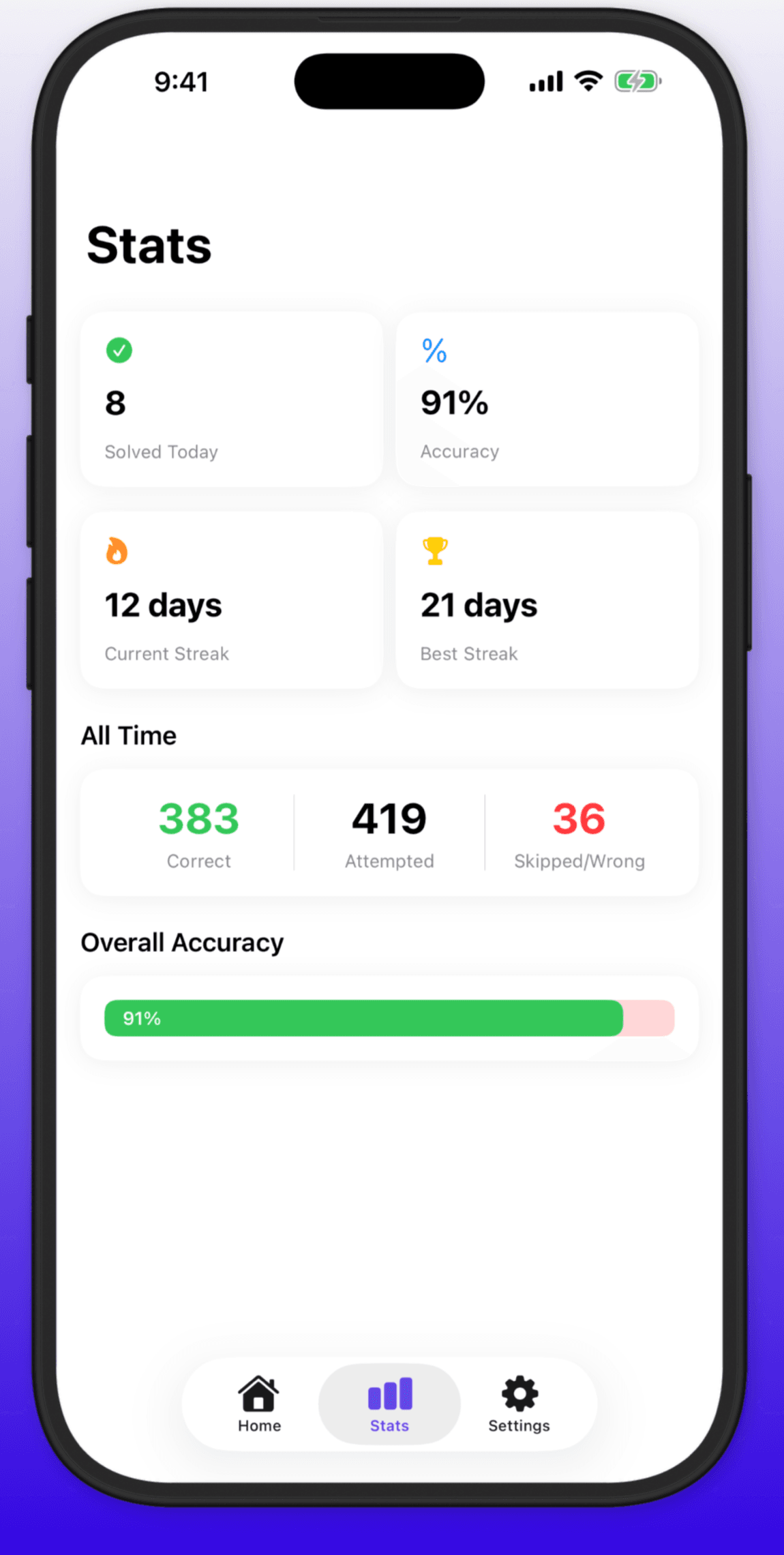
Solving a problem, choosing what gets blocked, and the stats that keep score. As they actually look.
What's actually in the app
Real app blocking
Choose the apps you want gated with Apple Screen Time. MathGate stands a problem in front of them, not a nag screen you can swipe past.
Five subjects
Fractions, long division, algebra, percentages, geometry. Free sessions draw from all five.
Streak tracking
Every solved session adds to your streak, right on the home screen next to your best run.
Unlock duration, your call
Pro lets you choose 15 minutes, 30 minutes, 1 hour, or 2 hours before the gate locks again.
Accuracy stats
See how many problems you solved today and your accuracy percentage without digging through menus.
One skip per session
Stuck on a problem? Wait it out and a single skip appears. Just one, so it is not a free bypass.
Questions
Yes. MathGate uses Apple's Screen Time (Family Controls) framework to actually restrict the apps you pick. Without that permission granted in Settings, it has no way to lock anything.
MathGate Pro is a single $2.99 purchase. That is the whole price, forever.